
Enhance Safety with Expert Access Point Solutions
- support295915
- Sep 29, 2025
- 3 min read
In today’s world, security is more important than ever. Whether it’s a commercial building, a residential complex, or a public facility, controlling who enters and exits is crucial. Optimized access points play a vital role in enhancing safety by managing and monitoring entryways effectively. This blog post explores how these access points can be designed and implemented to maximize security and convenience.
The Importance of Optimized Access Points in Security
Optimized access points are not just about locking doors. They involve a combination of technology, design, and strategy to ensure that only authorized individuals can enter specific areas. This approach reduces the risk of unauthorized access, theft, and other security breaches.
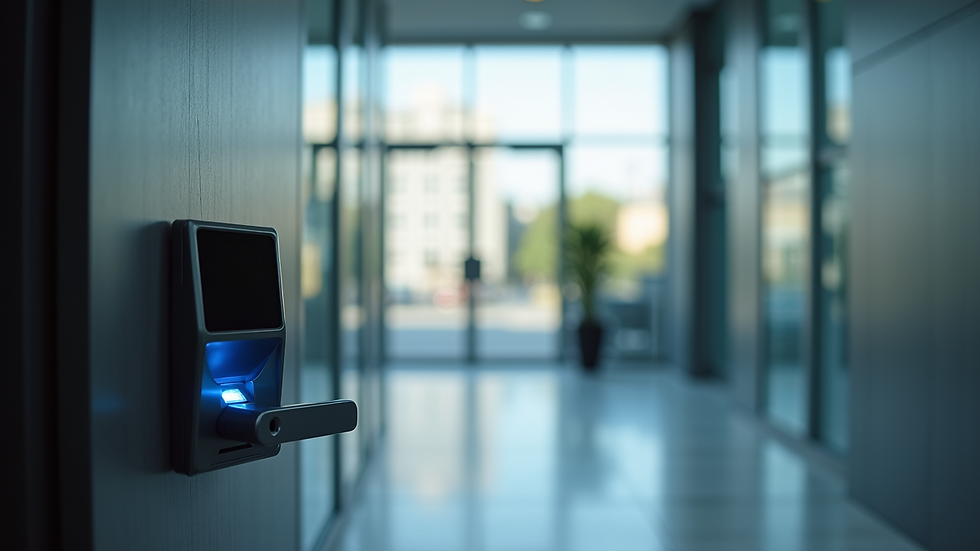
For example, in office buildings, optimized access points can include card readers, biometric scanners, and turnstiles that work together to verify identities quickly and accurately. This setup not only improves security but also streamlines the flow of people, preventing bottlenecks during busy hours.
Key benefits of optimized access points include:
Enhanced control over who enters and exits
Real-time monitoring and alerts
Integration with other security systems like CCTV and alarms
Improved safety for employees, residents, and visitors
How to Design Optimized Access Points for Maximum Safety
Designing optimized access points requires careful planning and consideration of the environment and user needs. Here are some practical steps to create effective access points:
Assess the Location
Understand the layout and traffic patterns. Identify high-risk areas that need stricter control.
Choose the Right Technology
Depending on the security level required, select appropriate devices such as RFID card readers, fingerprint scanners, or facial recognition systems.
Ensure User-Friendly Operation
Access points should be easy to use to avoid delays and frustration. Clear signage and intuitive interfaces help users navigate the system smoothly.
Integrate with Existing Security Systems
Connect access points with surveillance cameras, alarm systems, and security management software for comprehensive protection.
Regular Maintenance and Updates
Keep the system updated and well-maintained to prevent malfunctions and security vulnerabilities.
By following these steps, organizations can create access points that not only secure their premises but also enhance the overall user experience.

What Exactly Is an Access Point?
An access point is a physical or digital gateway that controls entry to a space. In security terms, it refers to doors, gates, or portals equipped with technology to verify and authorize individuals before granting access.
Access points can be simple, like a lock and key, or complex, involving multiple layers of authentication. Modern access points often use electronic systems that log entries and exits, providing valuable data for security audits.
For instance, a residential building might have a main entrance with a keypad entry system and individual apartment doors with smart locks. Each access point serves as a checkpoint to ensure only residents and approved visitors can enter.
Understanding what an access point is helps in appreciating the role it plays in a broader security strategy.

Practical Examples of Access Point Solutions in Various Settings
Different environments require tailored access point solutions. Here are some examples:
Corporate Offices: Use card readers combined with biometric verification to restrict access to sensitive areas like server rooms or executive offices.
Healthcare Facilities: Implement touchless access points to reduce contamination risks while maintaining strict control over restricted zones.
Educational Institutions: Employ turnstiles and ID card systems to monitor student and staff movement, enhancing campus safety.
Residential Complexes: Use mobile app-based access control for residents, allowing remote management and visitor approvals.
Each example demonstrates how optimized access points can be adapted to meet specific security needs while improving convenience.
Enhancing Safety with Professional Access Point Solutions
To truly enhance safety, it’s essential to work with experts who understand the nuances of security technology and design. Professional access point solutions providers offer customized systems that fit your unique requirements.
They conduct thorough site assessments, recommend the best technologies, and ensure seamless integration with your existing security infrastructure. Additionally, they provide ongoing support and maintenance to keep your access points functioning optimally.
By investing in expert solutions, you can achieve a higher level of security, reduce risks, and create a safer environment for everyone.
Optimized access points are a cornerstone of modern security strategies. By carefully designing and implementing these systems, organizations can protect their assets, people, and information more effectively. Whether upgrading existing access points or installing new ones, prioritizing safety through expert solutions is a smart and necessary step.


Comments